Vigu means vigilance
The studio name comes from the habit of watching small details: where data lives, how a screen reads, whether a feature earns its place, and whether a product can be trusted without a long explanation.
Vigu Labs presents Plume
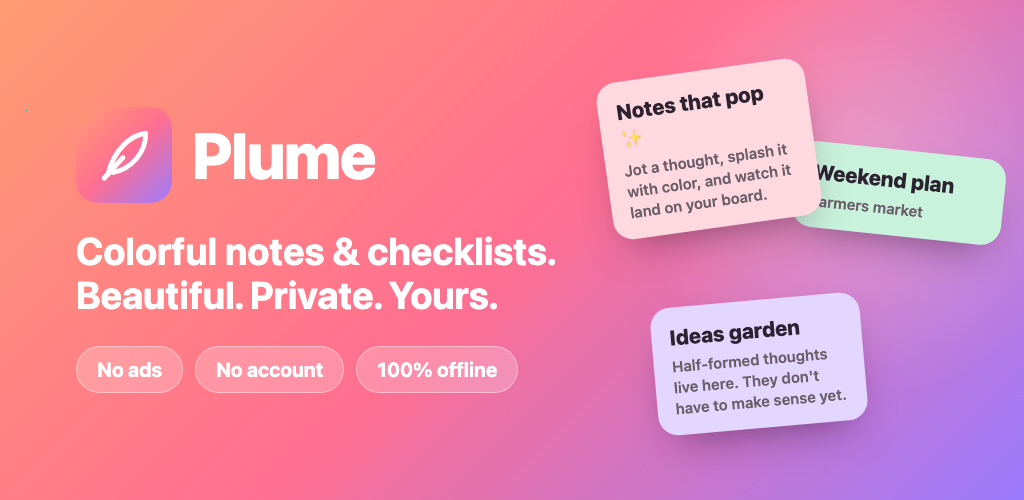
Vigu Labs builds quiet, practical software for personal routines. Our first product, Plume, combines visual Markdown, tasks, LaTeX, attachments, search, and portable backups without ads, tracking, or a Vigu Labs cloud account.
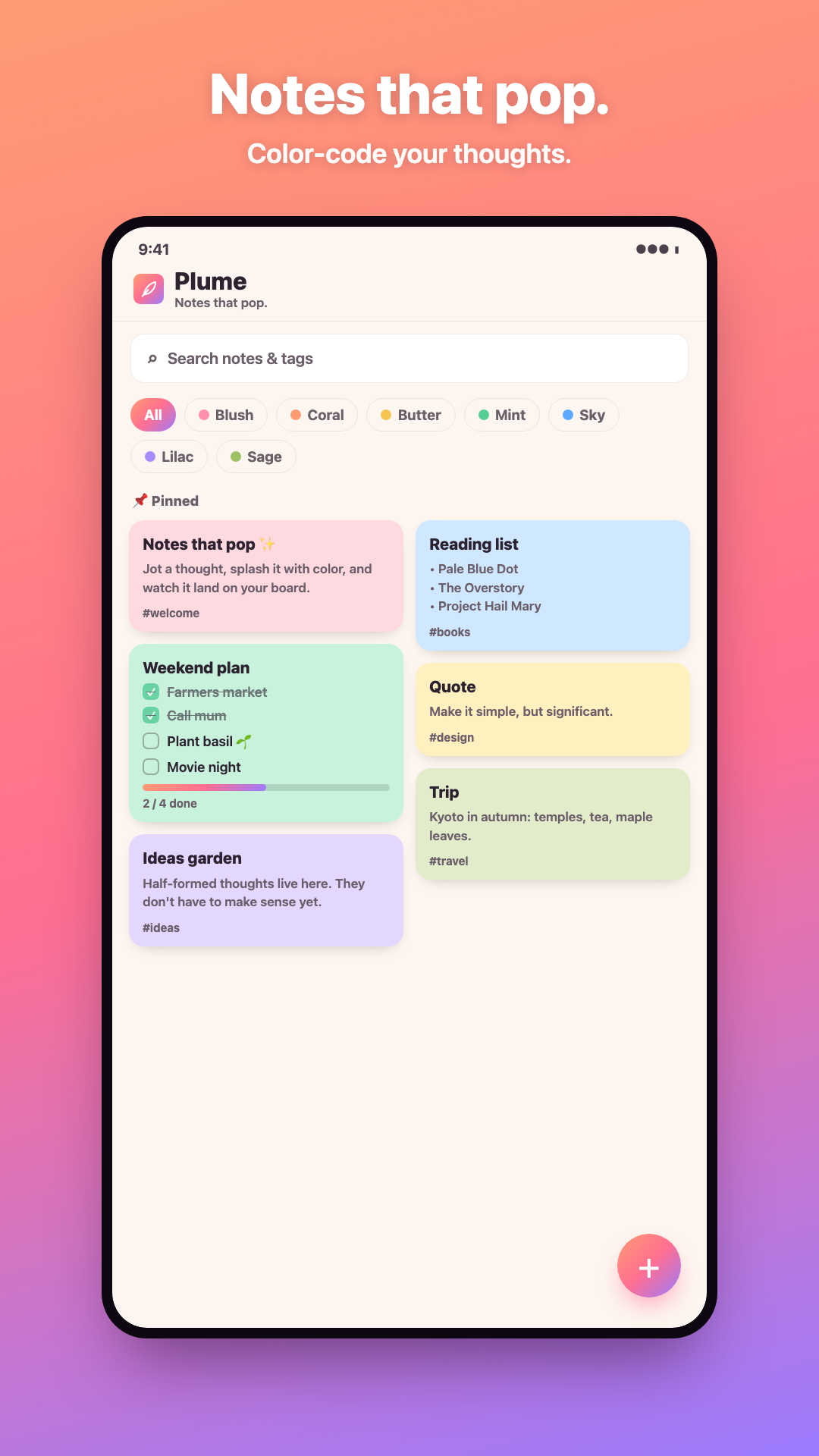
Visual Markdown, tasks, and LaTeX
Photos, doodles, and voice attachments
Free one-time and repeating reminders
Full-screen reading view and multi-select
No account, ads, analytics, or Vigu Labs sync
Protected complete backups you control
Demo
Colorful cards, visual Markdown and LaTeX editing, checklists, attachments, and a backup you control — the whole idea, in under a minute.
The demo walks through the note board, the visual editor, task checklists, and the private backup flow — everything shown runs fully offline on the device.
Products
The site is built as a product shelf. Plume is ready now; future apps will live beside it when they are useful enough to deserve their own page.
Available for Android
A local-first visual notes app for formatted text, tasks, LaTeX, photos, doodles, and audio.
Research shelf
Small utilities for personal focus, local storage, and simple daily workflows.
Future line
Private, low-friction apps built around one job instead of crowded feature suites.
Company
Vigu Labs is a small software studio imagined around one idea: personal tools should feel useful immediately and should respect the user's space.
The studio name comes from the habit of watching small details: where data lives, how a screen reads, whether a feature earns its place, and whether a product can be trusted without a long explanation.
Our first product keeps notes on the device because private thoughts should not require an account. When networked features appear in future products, they will be explicit and optional.
Instead of building one crowded productivity platform, Vigu Labs builds compact apps with clear boundaries. Plume is for private visual notes and personal tasks, not collaboration or real-time cloud workspaces.
Each product page includes plain-language support material, privacy details, and a realistic explanation of what the app does and does not do.
Plume
Plume is designed for fast capture, visual editing, quick filtering, and calm reading. It works offline, keeps attachments out of Vigu Labs servers, and provides portable backup and export formats.
FAQ
This section keeps the public product claims narrow, reviewable, and aligned with the app's actual behavior.
The core app is free: colorful notes and checklists, visual Markdown and LaTeX editing with source mode, photos, doodles and voice attachments, one-time and repeating reminders, PIN note lock, widgets, Markdown export, and complete password-protected backups with restore. Plume Pro is a single one-time purchase that adds premium themes, extra note colors, a custom accent color, styled PDF and offline HTML export, and automatic scheduled backups.
No. Vigu Labs is the studio home for multiple small products. Plume is the first public product, and the site is structured so future apps can be added without changing the domain.
No. Plume is local-first. Notes, tasks, attachments, tags, colors, settings, and reminders stay on the device. A user can deliberately save a .plumebackup file to a folder whose provider may sync it, but Vigu Labs never receives that file.
App stores require a public privacy policy URL. The policy explains local storage, permissions, backups, sharing destinations, and store-processed purchases in plain language.
The detailed Plume 1.1 guide covers the visual and source editors, Markdown and LaTeX, tasks, attachment limits, reminders, note lock, manual and automatic backup, how to read revision coverage and managed versions, restore choices, export formats, privacy, and troubleshooting.
Those are library-change revision numbers, not note counts. Matching numbers mean the latest automatic backup already covers the current library. Managed versions counts automatic .plumebackup files Plume retains in the current folder only—changing folders resets that count. Read Auto-backup status in the Plume guide at /plume#auto-backup-status.
For product support, privacy questions, or Play Store review details, use the public support inbox below.